PR Cycle Time
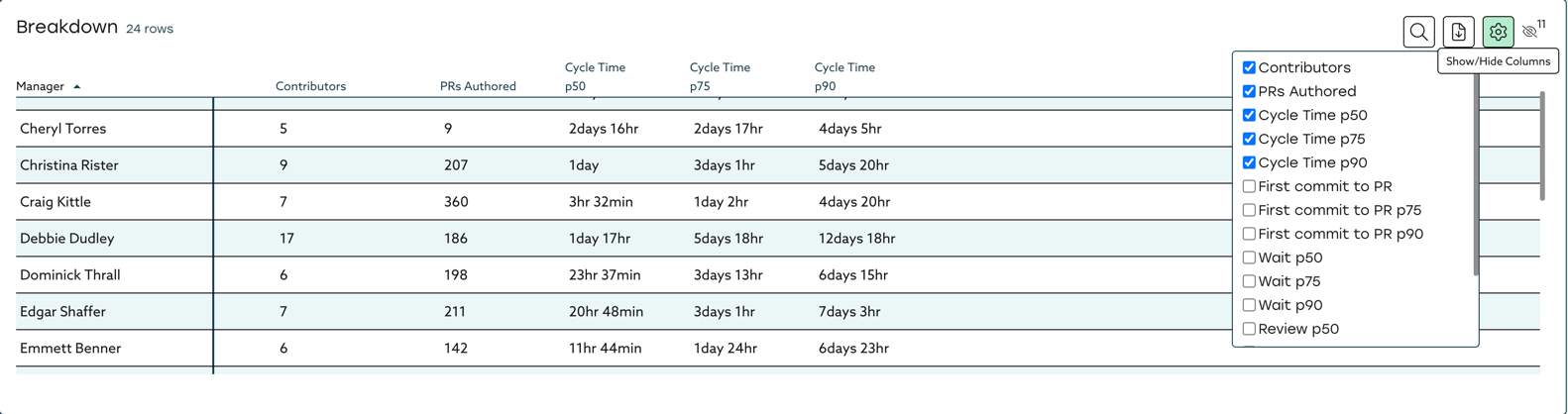
PR Cycle time measures the median time your Pull Requests are in three different stages: Dev, Waiting, and Review.
Phase 1: Dev
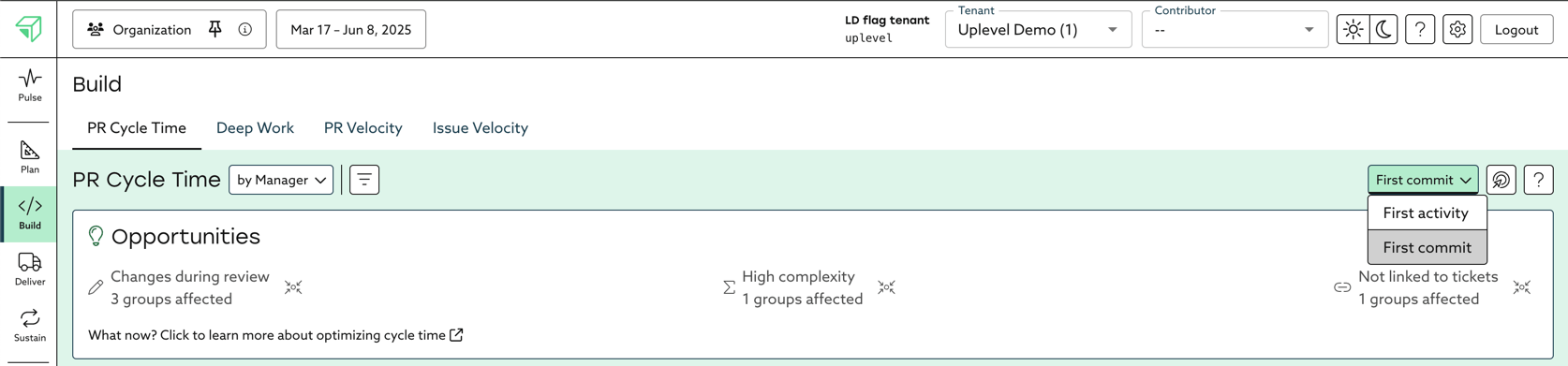

Uplevel looks at the time period from the first commit to when the PR is submitted for review. If a PR is opened immediately after the first commit, your First Commit to PR time will be shown as 0 hours. If a PR is opened as a draft or work in progress, then this phase will end when it is converted to be ready for review.
To determine the first activity, Uplevel looks at linked Jira/ADO issues, it then looks for the first time that a linked issue moved to an "In Progress" state. Uplevel then chooses the first time this occurred, or the first commit - whichever came first. This phase is then the duration of time from the First Activity until the PR is submitted for review. If a PR is opened as a draft or work in progress, then this phase will end when it is converted to be ready for review.
Phase 2: Waiting
Phase 3: Review
Start Time Configuration
- Choose First Activity if your team consistently links their PRs to Jira/ADO Issues, and tends to have a practice of keeping issue statuses in sync with reality. This will give a clear view into how long the coding and testing takes as part of the development process.
- Choose First Commit if your team doesn't consistently link PRs to issues or if the team has inconsistent hygiene and best practices around tickets. This selection will put all PRs on the same page regardless of behavior in Jira.
- Note that the Wait and Review Phases are identical regardless of the selection.

Example Scenario:
Late Monday evening, a bug in production is detected. An issue gets created, triaged, and is assigned to a developer Tuesday morning at 9 AM during standup. The developer starts work and moves the ticket to "In Progress" at 10 AM, but isn't able to finish by end of day Tuesday. Development and testing continues on Wednesday morning until 11AM. The developer commits at 11:00 AM, pushes their local branch to Git and opens the PR at 11:05 AM and passes it off for review. It's ultimately approved and merged at noon Wednesday.
When using First Activity, the Cycle Time for this PR is 26 hours. This includes the 25 hours and 5 minutes spent in the development phase, and the 55 minutes spent in the review phase. This shows how long the work took from beginning to end including development
When using First Commit, the Cycle time for this PR is 1 hour, with just 5 minutes between first commit and the PR being opened. This shows that the review process was quite efficient with just 55 minutes from the PR being opened until when it was merged.
Opportunities
Uplevel captures a number of the most important contributing factors of PR Cycle Time as component metrics.
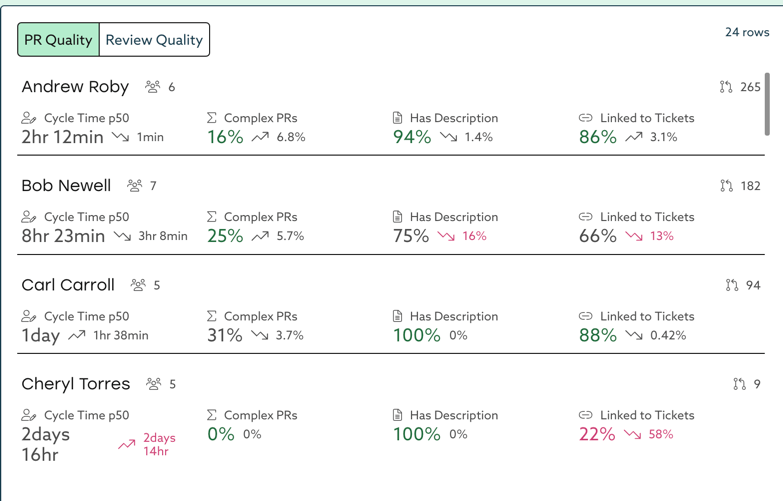
Each component metric has a benchmark based on Uplevel customer and industry data. When component metrics don't meet the benchmark, they are surfaced as opportunities:

Opportunities are the first place you should focus when hoping to reduce your organization's PR Cycle Time and overall increase your effectiveness in this part of the software development lifecycle.
Export Data